03/18/2026
Garmin Connect doesn’t make it easy to analyze long-term running trends. I had 19 screenshots of my running data from the past year and wanted a simple way to actually use it.
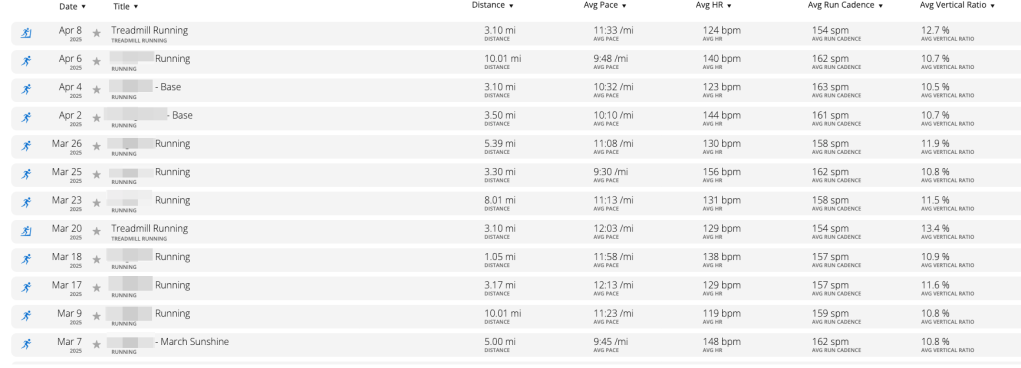
I uploaded them into Google AI Studio and prompted it to convert data into a structured spreadsheet, include metrics like distance, pace, heart rate, and cadence, calculating averages an summarize performance trends.
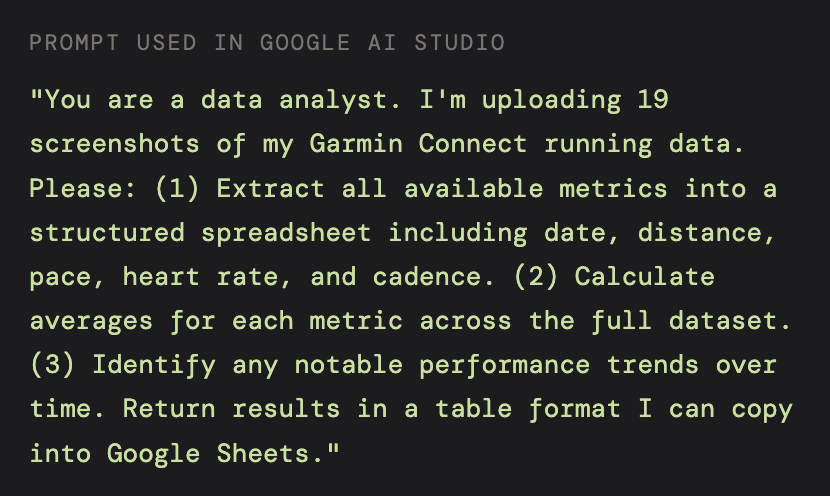
Within minutes, I had a clean dataset and insights that would have taken hours to build manually.
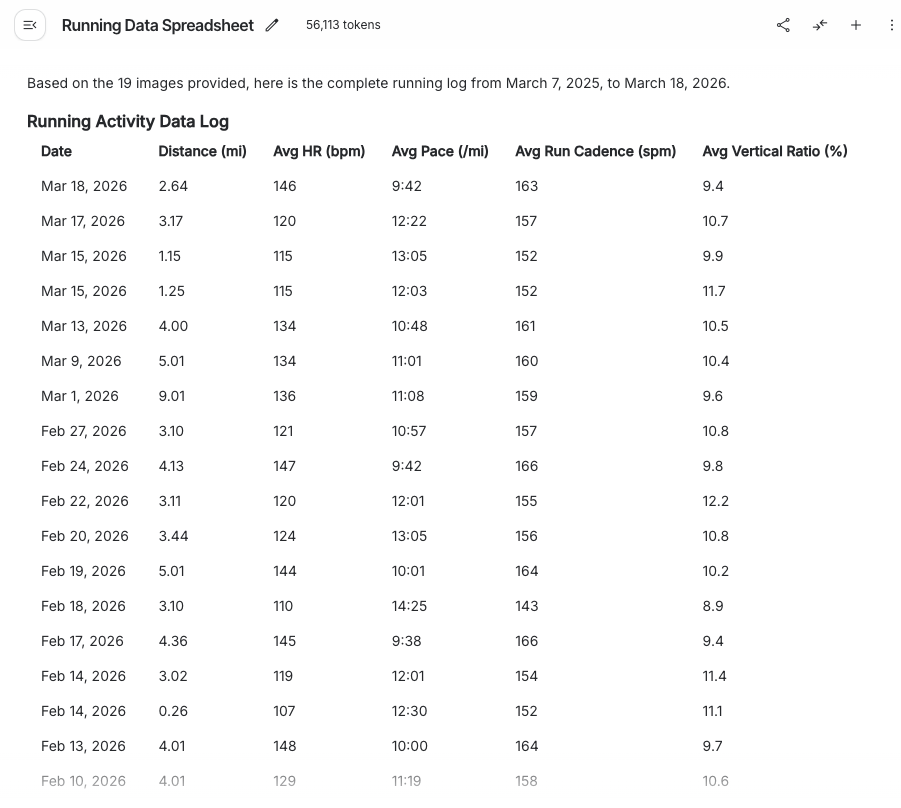
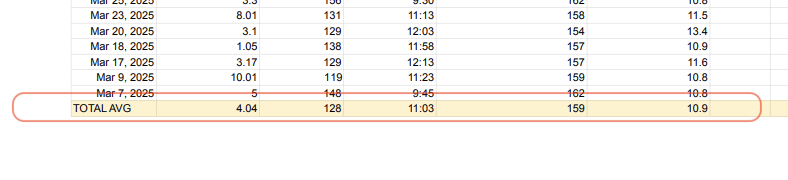
Once I had the raw metrics, I was able to export them over to a spreadsheet for my data structure and organization.
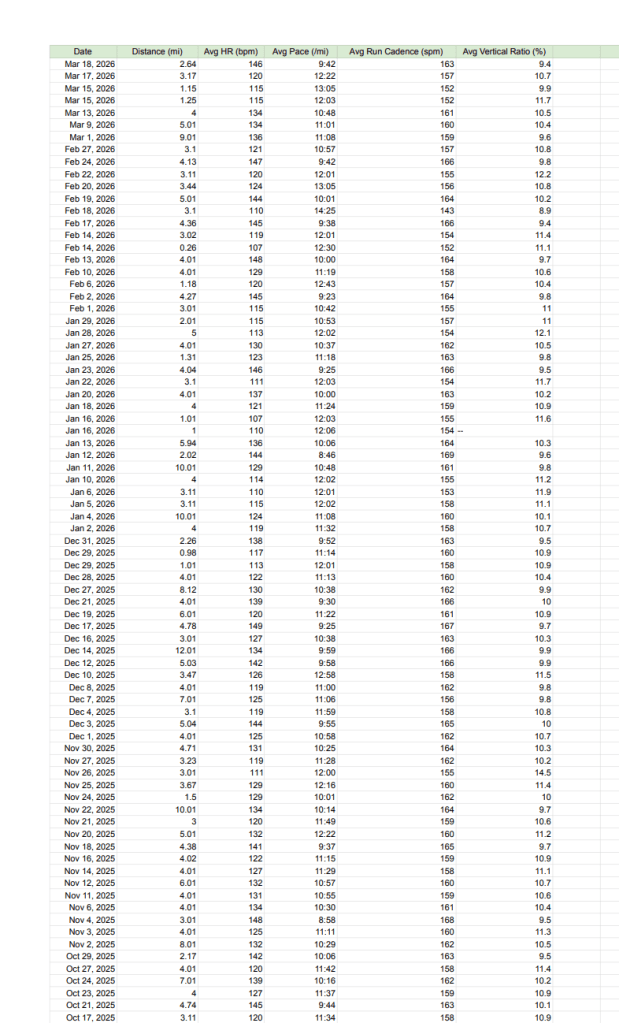
Highlighted my overall averages for future reference.
Biggest takeaway: AI is exceptionally useful for turning messy, unstructured data into something actionable –– especially when the source (like Garmin Connect) limits your export options. This workflow extracted a full year of performance data in minutes, confirmed a measurable improvement in my running efficiency and demonstrated how prompt engineering can replace hours of manual data processing.
Skills: Prompt Engineering • Multimodal AI Input • Unstructured Data Extraction • Spreadsheet Structuring • Performance Trend Analysis • Google AI Studio
 Systems for Real Life